


I hear this sentence a lot: “We care about privacy.”
Good.
But then you look a bit closer.
Files are on some cloud platform. Nobody is completely sure which settings were changed two years ago. Passwords are in browsers, in chat messages, sometimes in a document with a name like credentials-final-v3. Backups? “The provider handles that.” Maybe. Where is the data exactly? “In Europe, normally.” Who has access? That’s when the room becomes quiet.
I don’t call that a privacy strategy.
I call that hoping nothing goes wrong.
And I don’t really conceive hope as an operational model.
That is where the Privacy First Stack can play an important role. It is published on the MariaDB Server Ecosystem Hub, and no, I don’t like it just because it has a nice name. I like it because it addresses something I keep seeing in real environments: people need modern collaboration tools, but they also need to know where their data is, how it is stored, and how they can recover it.
The stack itself is not complicated.
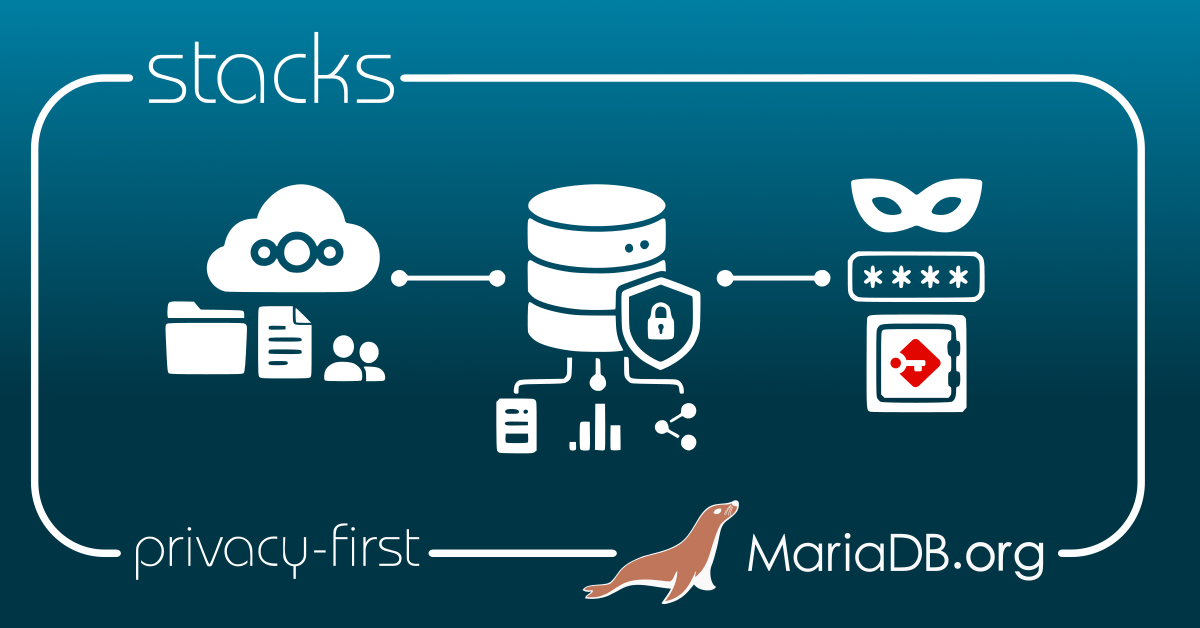
Nextcloud. Passbolt. MariaDB Server.
That’s it.
And yes, MariaDB matters here. A lot of the application state, metadata, users, shares, permissions and configuration will live in the database. So please don’t treat the database like a small technical detail hidden somewhere behind the web interface. It is part of the design.
A big part.
The stack
There are three main pieces.
Nextcloud gives you file sharing, collaboration, calendars, contacts, communication, all the things users expect these days.
Passbolt gives you password and secret sharing in a way that is not a spreadsheet, not an email, not a wiki page, and not a message in a chat history from 2021.
MariaDB Server stores the relational data these applications need.
Nothing exotic.
And I like that.
I don’t need one huge platform pretending to solve every problem with a dashboard, five pricing tiers, and an export button that may or may not export what I need. I prefer tools that do one job properly and are understandable by the people who have to operate them.
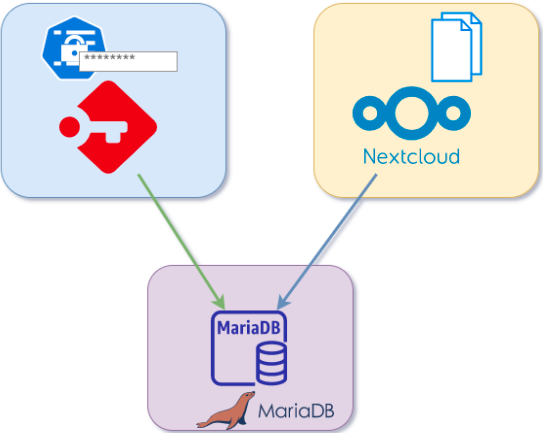
Nextcloud handles collaboration. Passbolt handles credentials. MariaDB stores the data.
Simple enough to explain. Which is a good sign.
I have seen too many setups where tools were added one after another because there was a quick need at the time. A file tool here. A password tool there. Some shared drive nobody owns anymore. An old server still running because “don’t touch it, it works”. After a few years nobody has the full picture.
That is where problems start.
A real stack needs real partners
One thing I like here is that this isn’t MariaDB pretending to do everything on its own.
Nextcloud is already well known for collaboration: files, sharing, calendars, contacts, and the kind of daily work users expect to do without thinking too much about the backend.
And Passbolt is an important solution, as credentials are often handled poorly.
Passbolt gives teams a better habit. Credentials are no longer treated like random text. They are shared through a tool built for that job, with access control, users, groups, and auditability in mind.
That matters because privacy is not only about where files are stored. It is also about how people access systems, how secrets are shared, and how quickly access can be removed when someone changes roles or leaves.
So the stack makes sense because each partner has a clear role:
- Nextcloud for collaboration.
- Passbolt for credentials and secrets.
- MariaDB Server for the relational data.
That separation is exactly what I want in a system I may have to operate, debug, back up, restore, and explain to someone else later. And they also work together.
Why this matters
SaaS is convenient. Of course it is.
You create an account, invite users, upload files, and the job looks done. The problem is not using SaaS. The problem is forgetting what you delegated and what you still need to understand.
For files and credentials, I don’t like blind trust. “Don’t worry, it’s handled” is not an answer when nobody can explain where the data is, who can access it, how it is backed up, and how it would be restored.
That’s not paranoia.
That’s operations.
MariaDB Server is not just somewhere behind the application
In this stack, MariaDB Server stores the data for Nextcloud and Passbolt.
So, small request: don’t put everything in one database with one user because it was faster during installation.
Yes, it may work. It will probably even work for a while.
But later, when you need to understand permissions, check backups, move one application, restore only one part, or debug something strange, you will regret that shortcut.
Create one database for Nextcloud. Create one for Passbolt. Use separate users. Give each application only the privileges it needs.
For example:
CREATE DATABASE nextcloud;
CREATE DATABASE passbolt;
Then create proper users and permissions.
This is not advanced security. It is just least privilege and separation between applications. Boring? Maybe. Useful? Absolutely.
Boring things are often the things that save you when something breaks at 02:00.
And yes, when each application has its own database and credentials, the setup is easier to understand. Backups are clearer. Troubleshooting is clearer. Recovery is clearer.
Clear is good. Especially when you are tired.
Digital sovereignty, minus the big words
“Digital sovereignty” is one of those expressions that can quickly become annoying. It appears in slides, political speeches, and reports that nobody finishes reading.
But technically, it comes down to simple questions: where is the data, who operates the service, who has access, how do you patch it, how do you back it up, how do you restore it, and how do you leave?
If you cannot answer most of those questions, you probably have less control than you think.
With Nextcloud, Passbolt and MariaDB Server, you have options. You can run the stack yourself, use a trusted provider, deploy it in your own datacenter, or put it in a private cloud.
It still means work. Someone has to install it, secure it, monitor it, update it, and test restores. But at least you are not limited to one provider’s features, timelines, export options, and mood.
That matters.
Not only for huge organizations
This stack is not only for large companies with compliance departments and big architecture meetings.
Small teams need this too. A small company still needs to share files properly. A school still needs to manage passwords. A lab still needs to know where its data is. A non-profit can also mess up credentials. Believe me.
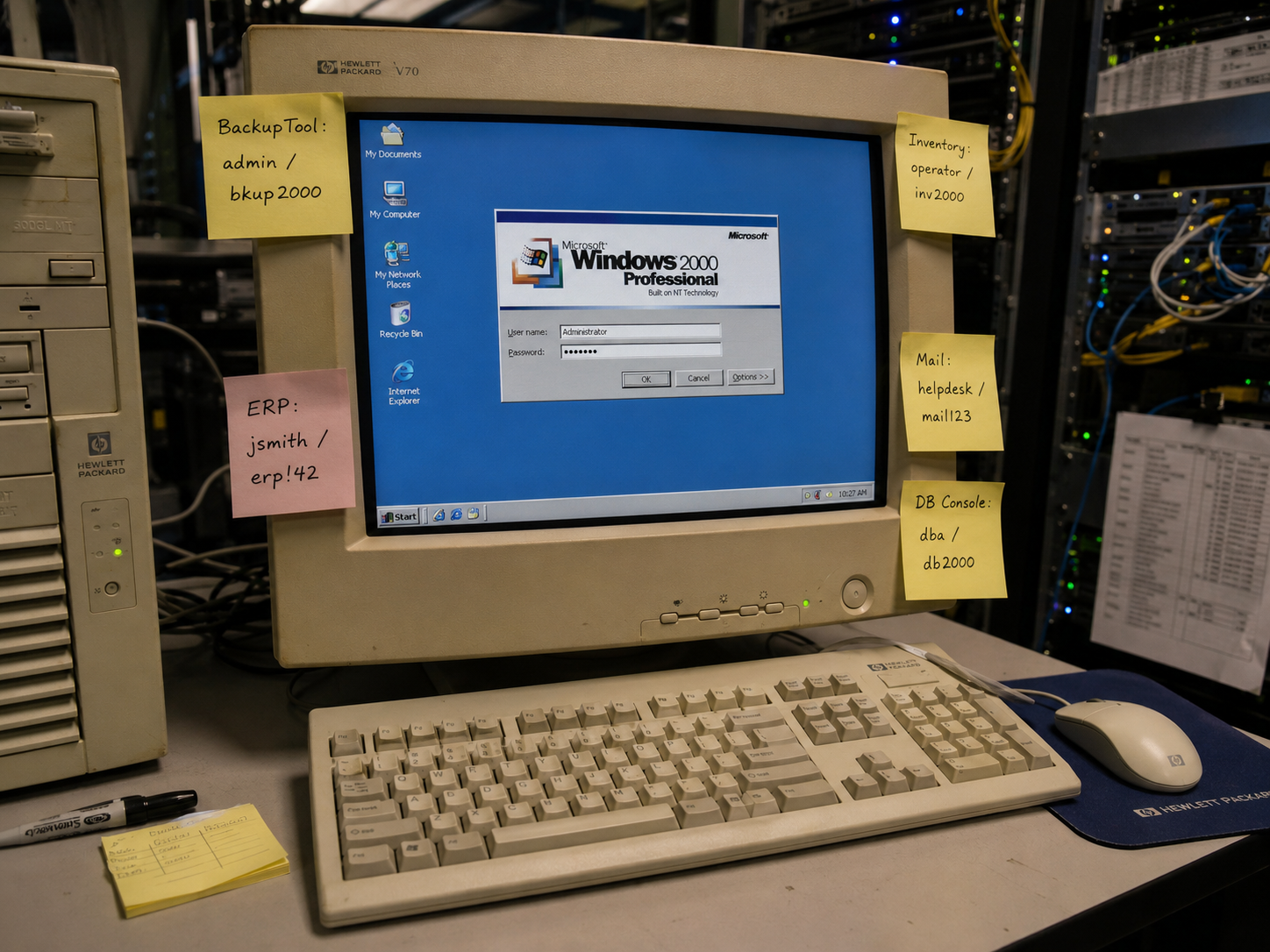
In smaller organizations, people often improvise because there is no dedicated team or process. That is how passwords end up in spreadsheets, emails, old folders, or in the head of someone who left six months ago.
Start small. Build it in a lab. Understand it. Break it. Restore it. Upgrade it. Then decide what production should look like.
Maybe you need replication. Maybe you need MariaDB Galera Cluster. Maybe you need better monitoring, automated backups, and a proper runbook before you even think about high availability.
Probably the last one, actually.
Don’t start by building a spaceship.
What it solves
For me, the MariaDB Privacy-First Stack solves a very concrete problem: it gives teams a clean way to run collaboration and password management while keeping control of the database and the data behind those tools.
It is not “install these three components and now you are secure”.
No. Please no. Security does not work like that.
The value is in the architecture and in the habits it encourages. Separate applications. Separate databases. Separate users. A backup and restore plan. Monitoring. Something you can explain to another human being without needing a 90-slide presentation.
That last part is underrated.
I don’t trust systems nobody can explain.
Also, this stack reminds people that the database is not a boring backend detail.
The database contains a lot of important application state: users, shares, permissions, configuration, metadata, sessions, jobs, and all the pieces the application needs to behave correctly. Files may live elsewhere. Encryption and application logic matter too. Of course.
But when login breaks, sharing behaves strangely, an upgrade fails, or a restore is needed, suddenly everyone remembers the database exists.
So yes, MariaDB Server is not just “behind” the stack.
It is an important part of the stack.
Easy Deployment
To make the stack easier to try, I also prepared a small deployment example using Docker.
The goal of the video is not to pretend that production is only a docker compose up away. Please don’t do that.
The idea is more practical: show how the pieces fit together, how Nextcloud and Passbolt use MariaDB Server, and how quickly you can build a lab environment to test the stack yourself.
In the video, I go through the basic deployment flow, the containers involved, and the first checks after startup. It is a good way to understand the architecture before thinking about a more serious production setup with proper backups, monitoring, TLS, upgrades, and maybe replication or Galera later.
So use it as a starting point.
Run it. Look at it. Break it. Restore it.
That is where you really start to understand if a stack makes sense.
Conclusion
I like the MariaDB Privacy-First Stack because it is practical.
Not magic. Practical.
It says: use known open-source tools, keep responsibilities separate, and stay in control of your data.
Nextcloud for collaboration. Passbolt for passwords and secrets. MariaDB Server for the data.
Install the stack. Test it. Break it in the lab. Restore it. Document what you did. Fix what was ugly. Then share feedback with the MariaDB community.
Happy testing, and enjoy MariaDB!
